




01
Describe the next edit
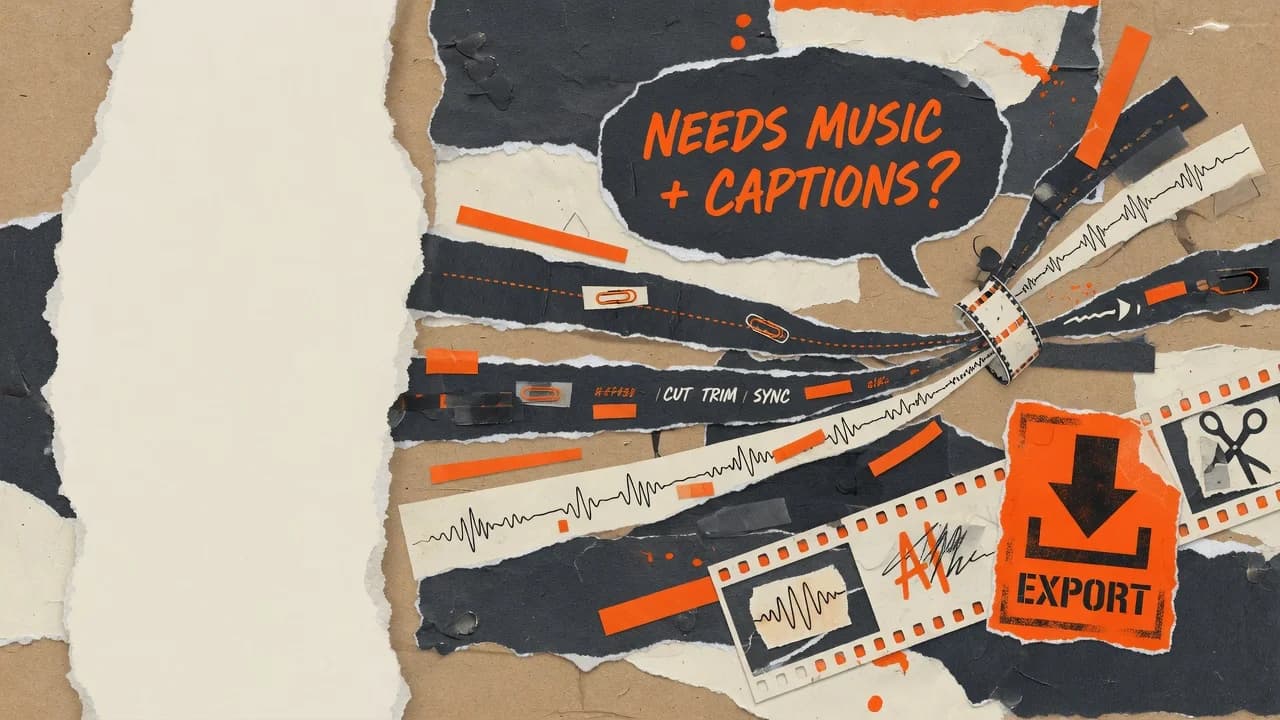
Tell the agent which clip to split, what caption to add or where the music should start. Put repetitive edits into the project and keep your attention on the story.
Open-source community
Scan with WeChat to join

Join Discord
Discuss workflows, ideas, and development
An AI video editor for creators
Bring your footage and describe the result you want. The agent adds captions, music and transitions, then you refine picture and sound on the timeline until the cut feels right.

From footage to a finished cut
A video takes more than a first pass. Clips change, music needs balancing, transitions need another try. OpenChatCut puts AI actions and manual edits on the same timeline so you can keep going.
Tell the agent which clip to split, what caption to add or where the music should start. Put repetitive edits into the project and keep your attention on the story.
Clips, captions and sound stay on their own tracks. Preview, drag, adjust a setting or undo the last step and try again.
Start with local media and projects. The open-source edition lets you configure models and connect an external agent through MCP.
Bring titles, captions and music into one project. Listen back, balance the soundtrack and refine the transitions between clips.
Try a direction like this
Add a “Seaside Diary” title and a gentle soundtrack to this beach video. Keep the sound of the waves.

Your first timeline
Start with footage you already have. Conversation and manual edits work on the same project.
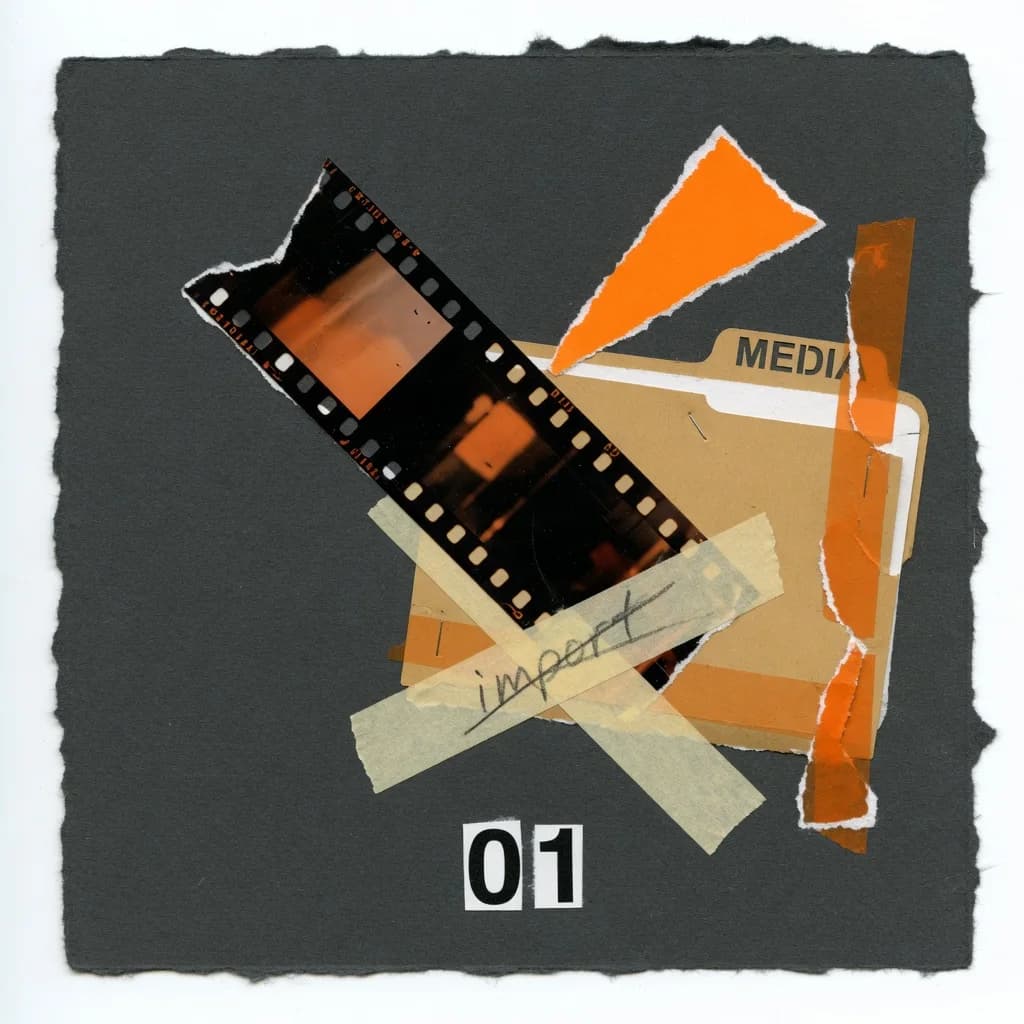
Import video, audio and images. Choose the material you want to work with.
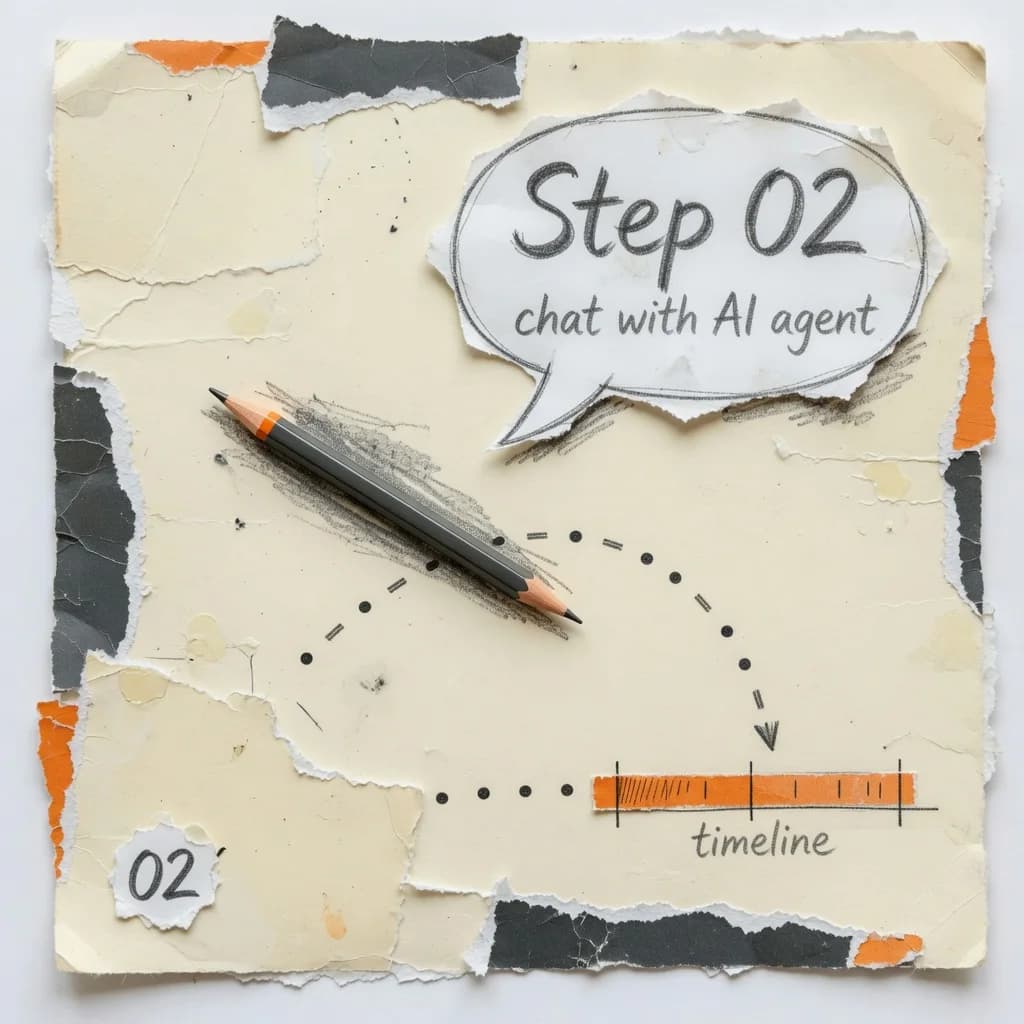
Tell the agent which clips to arrange, what title to add or where to bring in music.
Play it back to check picture and sound. Adjust the timeline or tell the agent what to change next.
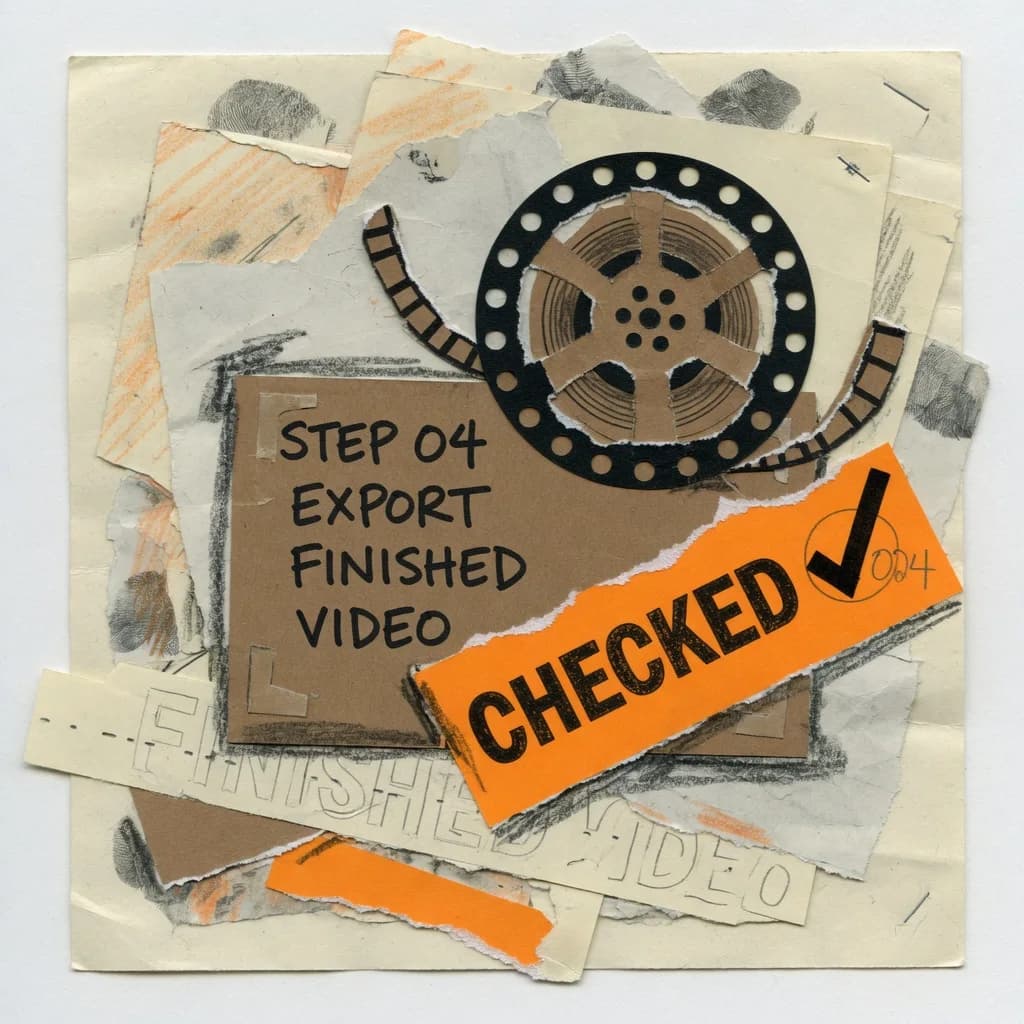
Review the pacing and captions, then export. Keep the project so the next revision starts here.
The source is public on GitHub, and you can use and modify it under the AGPL. A good fit for developers and creators who want to study the code, adapt it or build it themselves.
Download open sourceA proprietary desktop editor with installers on this site. A good fit for creators who want to get straight to work with transcript editing, recording and local models.
macOS (Apple Silicon and Intel) · Windows · 7-day trial on first launch
FAQ
Understand the open-source edition, Pro and AI model services before choosing your workflow.
OpenChatCut
Download the open-source edition and try an edit with the agent, or explore the Pro desktop workflow.