How to Turn a Long Video into Shorts Without Losing Editorial Control
A repeatable workflow for turning interviews, podcasts, and tutorials into strong short-form clips with editable cuts, reframing, captions, and review.
 OpenChatCut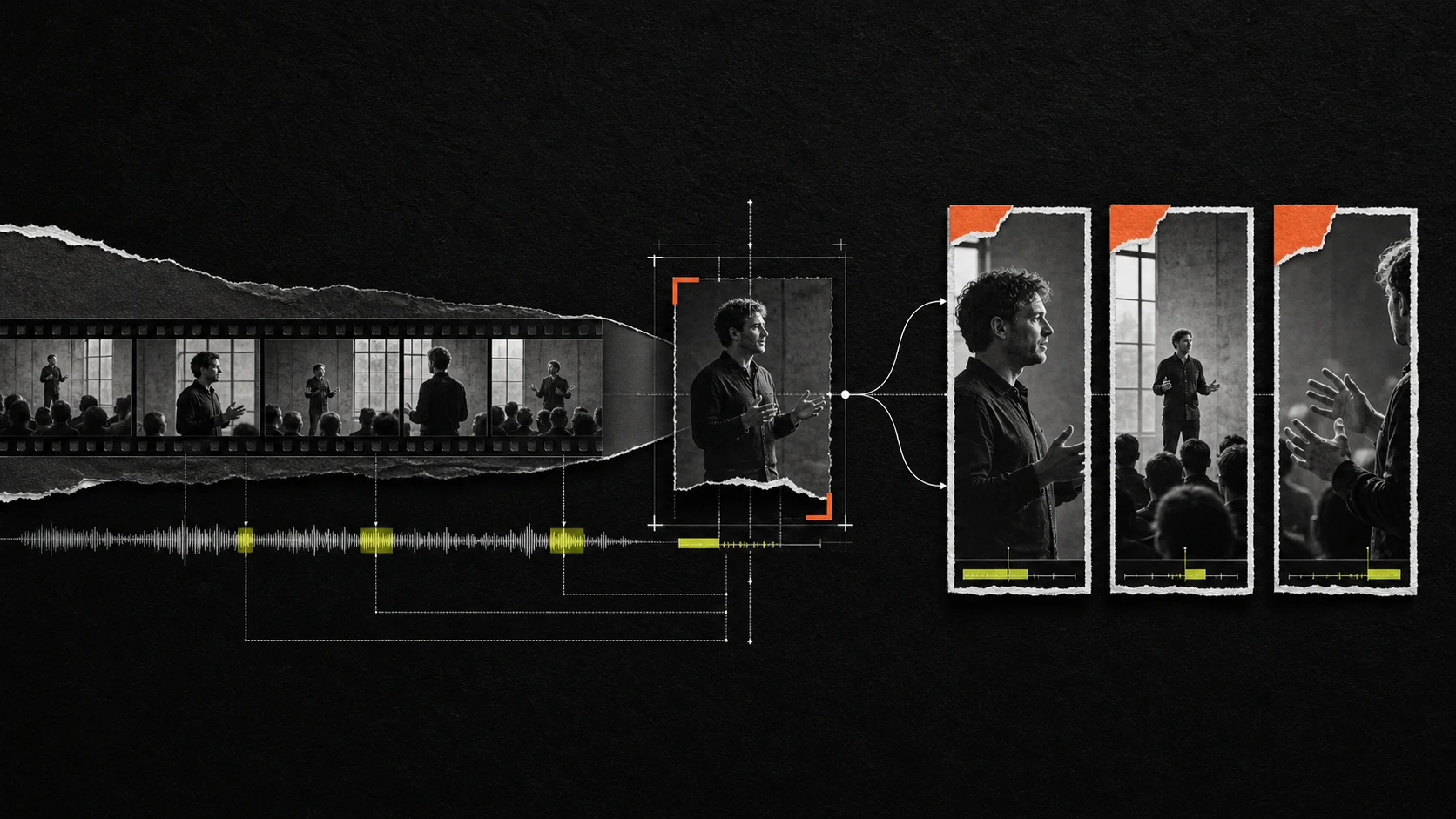
Turning a long video into Shorts is not a matter of finding the loudest sentence and adding animated captions. A publishable short needs a complete idea, an immediate reason to watch, enough context to make sense on its own, and an ending that feels intentional.
AI can reduce the time spent searching a podcast, interview, lecture, or product demo. Editorial control still matters because the best excerpt is rarely the best finished clip. The practical goal is a workflow that uses AI for discovery and repetitive assembly while keeping every decision editable.
A highlight is not yet a short
A useful source moment may begin with “as I said earlier,” depend on a chart that is no longer visible, or take forty seconds to reach the point. A finished short must work for a viewer who has never seen the long video.
Before selecting a passage, ask four questions:
- Standalone value: can the viewer understand the idea without the preceding ten minutes?
- Specificity: is there a concrete claim, example, conflict, number, or transformation?
- Compression: can setup be shortened without changing the meaning?
- Visual viability: can the frame, captions, and supporting visuals remain clear on a phone?
A strong “yes” across all four is more useful than a generic virality score.
Define the deliverable before searching
Write a one-line brief for each target platform:
| Decision | Example |
|---|---|
| Audience | First-time founders who do not know the guest |
| Outcome | Explain one expensive hiring mistake |
| Duration | 35–55 seconds |
| Aspect ratio | 9:16 |
| Voice | Direct, credible, not over-produced |
| Ending | Complete takeaway, no forced cliffhanger |
| Variants | One clean version and one caption-led version |
This prevents the Agent—or the human editor—from selecting clips merely because they sound energetic. Every candidate now has a job.
The long-video-to-shorts workflow
1. Preserve the long-form master
Create a version checkpoint or duplicate the project before making short-form cuts. The master remains useful for future episodes, revised captions, translations, and differently framed exports.
Avoid repeatedly destructively trimming the only working sequence. Shorts production is easier when every variation can be traced back to the same source.
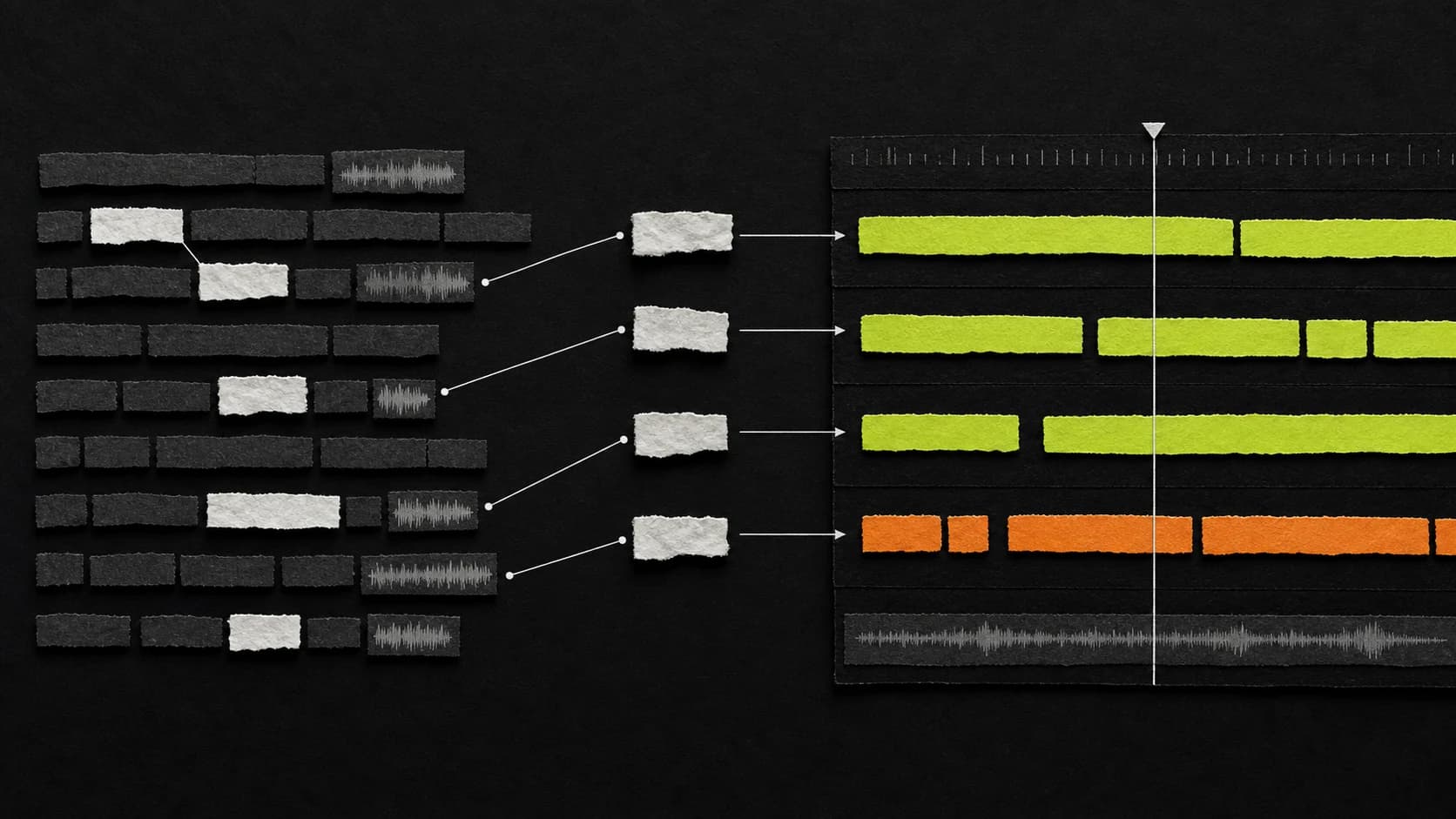
2. Transcribe and map the source
Generate a transcript with word timing and speaker labels when available. On the first pass, do not search only for isolated quotes. Mark:
- topic changes;
- claims and counterarguments;
- examples and stories;
- moments of surprise or disagreement;
- concise explanations;
- sections with useful emotion;
- references that require missing context.
For a one-hour interview, this map is more valuable than a list of automatically ranked timestamps. It tells you where an idea starts, where it earns credibility, and where it concludes.
3. Build a candidate sheet
Create candidates as ranges, not single sentences. Each range should include the minimum setup, the payoff, and a natural exit.
Use a simple review table:
| Candidate | Hook | Standalone | Proof | Clean ending | Visual needs |
|---|---|---|---|---|---|
| A | Strong claim | Yes | Example | Yes | Speaker only |
| B | Good question | Partial | Number | No | Add context card |
| C | Story turn | Yes | Before/after | Yes | Two B-roll inserts |
Reject candidates that need too much explanation. A clip that requires five title cards to become coherent is usually the wrong excerpt.
4. Create the spoken rough cut
Assemble only the voice and essential source picture first:
- move the strongest clear sentence to the opening when meaning allows;
- remove greetings, repeated setup, and references to earlier sections;
- preserve the evidence that makes the claim credible;
- shorten long pauses conservatively;
- finish on the takeaway, reaction, or consequence.
Watch the rough cut without graphics. If the story does not work as speech, captions and zooms will not fix it.
5. Design the first two seconds
The hook should clarify tension, value, or curiosity immediately. It does not need to be sensational.
Useful hook types include:
- Specific cost: “That hiring decision cost us six months.”
- Contradiction: “More automation made the process slower.”
- Concrete result: “We cut export time from 40 minutes to 8.”
- Unresolved question: “Why did the best-performing version use fewer cuts?”
Avoid stripping away so much context that the hook becomes misleading. The opening should be compressed, not deceptive.
6. Reframe for vertical video
A 9:16 crop changes the composition, not just the canvas dimensions. Check:
- face position and headroom;
- whether two speakers can share the crop;
- slides, screen recordings, or products near frame edges;
- hand gestures that communicate meaning;
- space needed for captions and platform controls.
Reframe shot by shot when necessary. For a two-person interview, alternating speaker crops is often clearer than forcing both people into a narrow frame. For a screen tutorial, a planned zoom or rebuilt layout is usually better than shrinking the entire desktop.
OpenChatCut keeps reframing, clips, overlays, and captions on the editable timeline, so you can correct a crop after seeing the final caption layout.
7. Add captions for comprehension
Short-form captions should help viewers follow the idea with sound off, not compete with the speaker.
- Correct names and technical words manually.
- Break lines at natural phrase boundaries.
- Keep one visual emphasis system.
- Reserve enough safe area for platform UI.
- Avoid highlighting every word.
- Preview at phone size, not only on a desktop monitor.
If you need a transcript-to-caption process, use the text-based video editing workflow and caption workflow.
8. Add visual support only where it earns attention
Use B-roll, diagrams, screenshots, motion graphics, or punch-ins to:
- show the object being discussed;
- prove a claim;
- clarify a process;
- bridge a visible jump cut;
- reset attention after a dense section.
Do not cut away every two seconds by rule. Visual changes should follow meaning and rhythm. One relevant proof image is stronger than five decorative stock clips.
9. Mix, preview, and export by platform
Normalize dialogue before adding music. Duck the music under speech and check the opening on phone speakers. Then review:
- captions inside the safe area;
- no clipped words at edit boundaries;
- consistent loudness between source sections;
- no copyrighted or unlicensed inserts;
- the final frame does not end accidentally;
- delivery resolution and frame rate match the platform plan.
Export each version from the editable project, not from a compressed social download.
A practical Agent prompt
Ask for candidates and a proposal before asking for a finished render:
Inspect this interview transcript and propose five standalone short-form candidates for first-time viewers. Target 35–55 seconds each. For every candidate, provide the exact source range, opening line, required context, central payoff, and suggested ending. Reject excerpts that depend heavily on earlier discussion. Do not change the timeline yet.
After selecting one:
Create a vertical rough-cut proposal from candidate 3. Preserve the claim and its concrete example, remove greetings and repeated setup, shorten only pauses longer than 1.0 second, and keep short breaths. Reframe for the active speaker. Add plain captions after the spoken cut is approved. Show the draft before applying it.
The first prompt separates discovery from editing. The second defines retention, pause, framing, caption, and approval rules. OpenChatCut's proposal-based Agent flow makes those decisions inspectable on the same project timeline. External clients can use the same tools through MCP.
Batch production without making every clip identical
For one long source, a sustainable batch is usually:
- one source map;
- five to ten candidates;
- two or three approved rough cuts;
- one shared caption and audio system;
- individual hooks, pacing, and visual proof for each clip.
Reuse production rules, not editorial conclusions. If every Short uses the same hook template, zoom interval, and animated word treatment, the batch may be consistent but forgettable.
Final Shorts checklist
- The clip makes sense without the original episode.
- The opening states or creates a specific reason to watch.
- The central claim includes proof, an example, or a clear explanation.
- The ending resolves the idea.
- Vertical framing is checked shot by shot.
- Captions are accurate and inside platform-safe areas.
- B-roll supports meaning rather than hiding weak pacing.
- Dialogue remains intelligible on phone speakers.
- Every cut, crop, caption, and overlay remains editable.
- The master long-form project is preserved.
The fastest long-video-to-shorts system is not the one that produces the most drafts. It is the one that makes good candidates easy to find, weak candidates easy to reject, and approved clips easy to revise. Download OpenChatCut to build that workflow on a real multitrack timeline.