OpenChatCut 0.1.8 Release: Open-Source AI Video Editor with Agent Skills, MCP & 4K Export
OpenChatCut 0.1.8 is an open-source ChatCut alternative and agent-native AI video editor: custom SKILL.md workflows, slash commands, Codex/ChatGPT and local LLMs, MCP tools, 4K export, and a pro multitrack timeline.
 OpenChatCut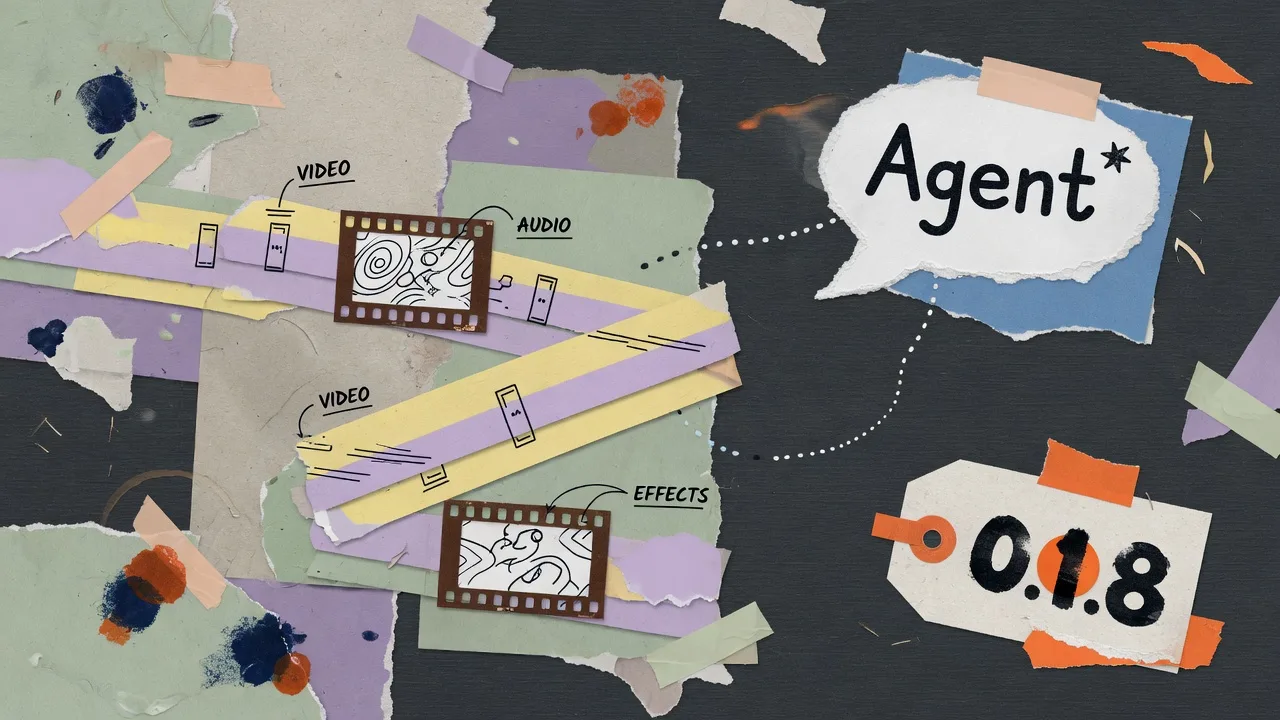
This article covers OpenChatCut Open Source. Free downloads, AGPL licensing and MCP instructions refer to that edition. OpenChatCut Pro is a separate paid edition; see Pro and edition selection. Model and external-agent services may charge separately.
OpenChatCut 0.1.8 is a major update to the open-source AI video editor built for agents. If you are searching for a ChatCut alternative, a local-first multitrack timeline, or an MCP video editor that Codex, Claude Code, and a built-in Agent can drive, this article records that release; use the download page and changelog for current installation guidance.
Unlike AI video generators that return a finished file you cannot revise, OpenChatCut keeps every result on a real editable timeline—clips, captions, effects, audio, keyframes, undo history, and now a wider set of Agent tools that match the UI.
Full bilingual notes live in the repository CHANGELOG. Below is the release story for creators, editors, and developers.
What is OpenChatCut?
OpenChatCut is an agent-native AI video editor: you describe an editing goal in chat, and the Agent (or an external MCP client) changes a real multitrack project. You can still trim, caption, grade, and export by hand.
Typical search intents it serves:
- open-source / free AI video editor
- ChatCut-style conversation-driven editing
- MCP automation for video timelines
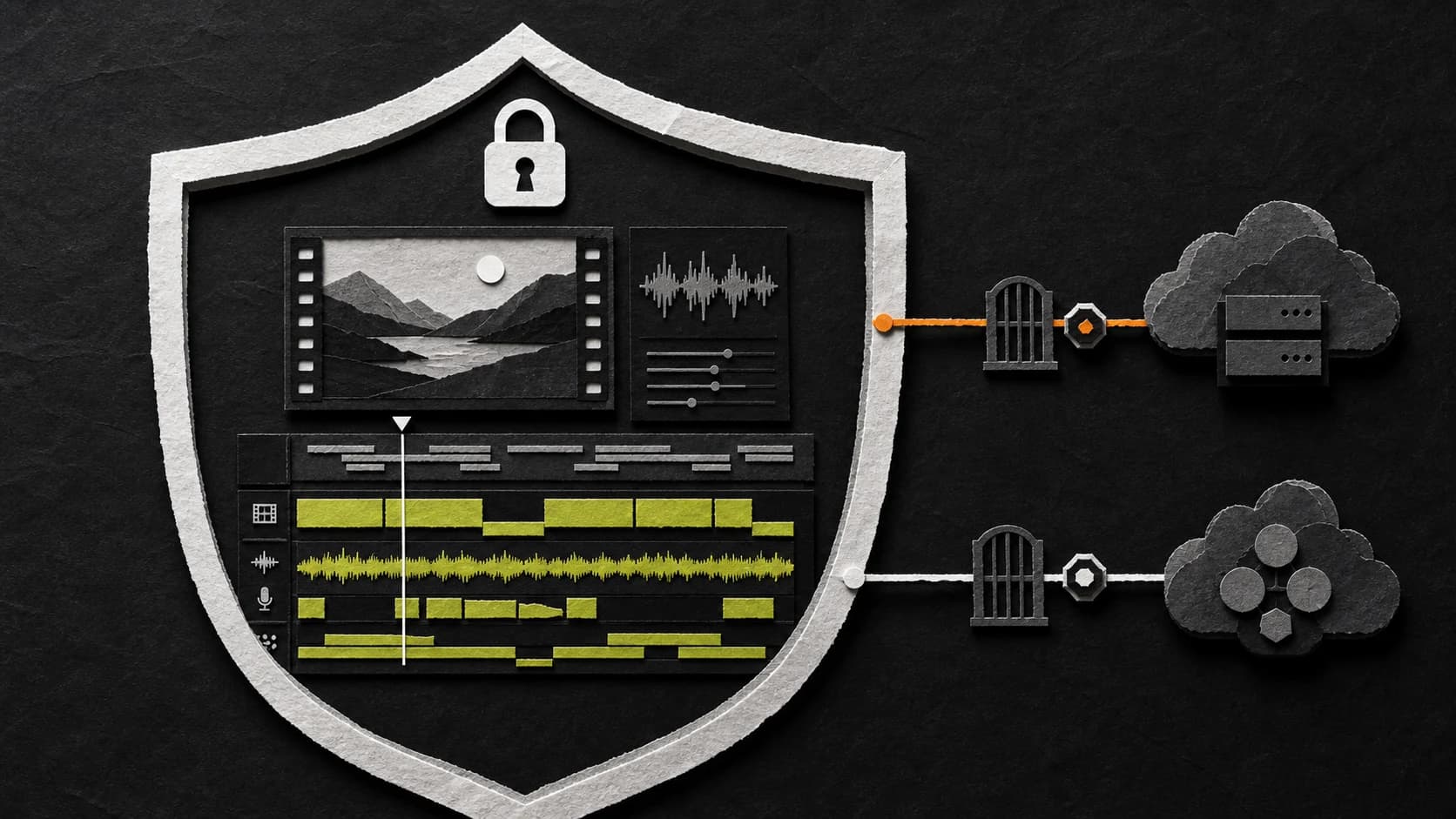
- local-first editing with optional cloud models
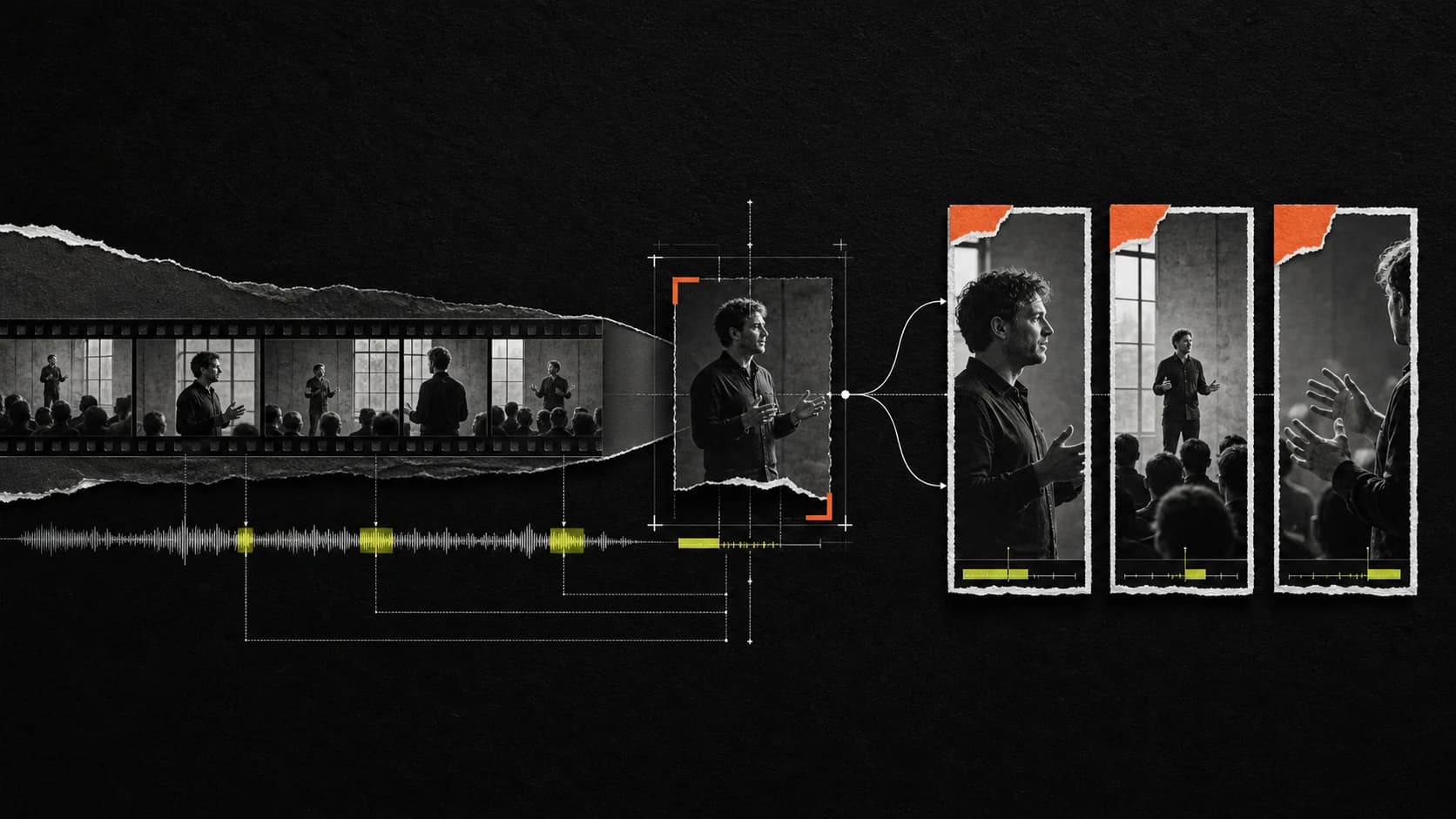
- text-based and caption-heavy talking-head workflows
What is new in OpenChatCut 0.1.8?
Headline themes for the OpenChatCut 0.1.8 release:
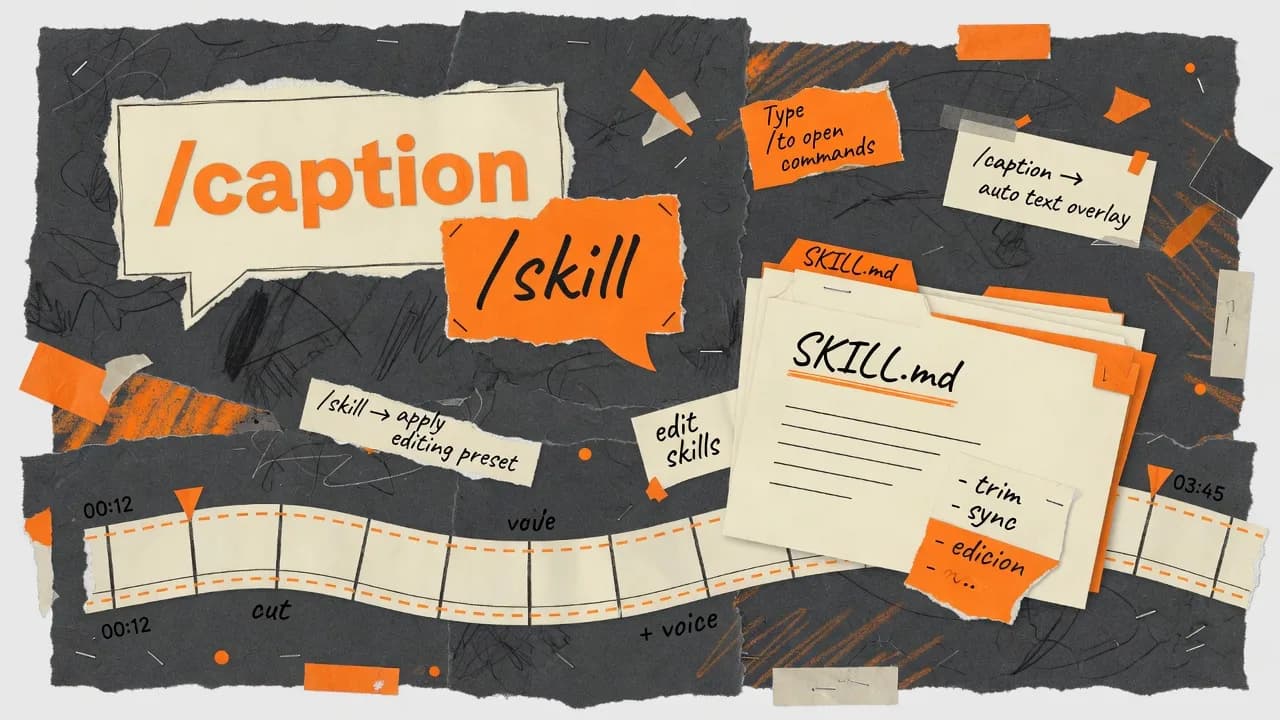
- Custom agent skills you can open on disk (
SKILL.md) - Slash-command skill selection that never overwrites your draft
- Agent command gaps closed (redo, versions, media pool, auto-grade, track reorder)
- ChatGPT/Codex subscription sign-in, plus Ollama and LM Studio
- More generation/TTS vendors and validated 4K video export
- Professional timeline depth: slip, rate stretch, nested sequences, multicam ranges
Custom skills and slash workflows for AI video editing
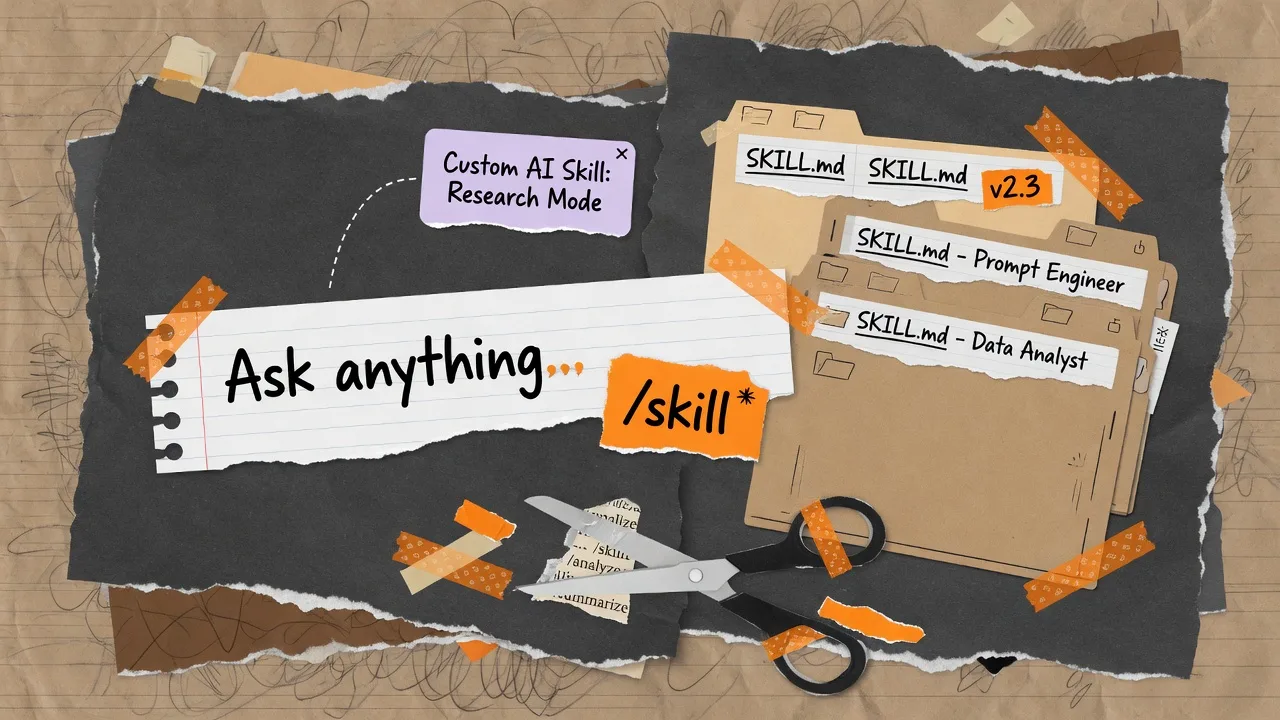
Many people ask how to build reusable AI video editing workflows. In 0.1.8, OpenChatCut answers with a user-visible skill directory—the same mental model as Codex and Claude skills:
- Path:
~/.openchatcut/skills/<slug>/SKILL.md(Windows:%USERPROFILE%\.openchatcut\skills\...) manage_skill createinstalls into that folder- Hand-dropped
SKILL.mdfiles are auto-discovered - A bundled skill-creator workflow helps you author playbooks
How slash commands work in the Agent chat
In the built-in Agent chat:
- Type
/skill:<slug>or/nameto open a filtering picker - Press Tab or Enter to activate a creative workflow
- See the active skill as a dismissible chip above the input
- Keep typing your real prompt—activation never fills or overwrites the composer
That design matters for SEO and for daily use: “slash command video editor skill” workflows stay discoverable without fighting the product.
Related guide: Slash skills in OpenChatCut.
Agent tools that match a real NLE
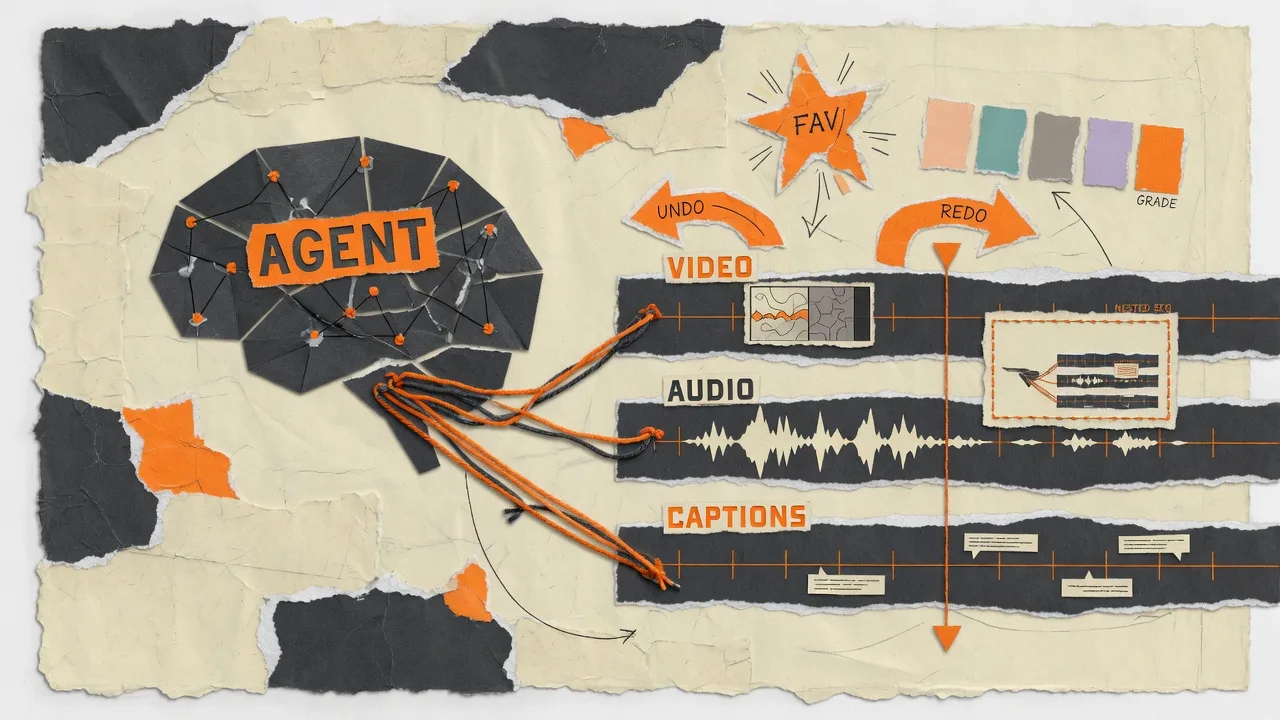
An AI video editor agent is only useful if it can do what the UI can do. OpenChatCut 0.1.8 closes long-standing command gaps:
| Editing need | Agent tool / action |
|---|---|
| Undo recovery / redo | undo_last_change, redo_last_change |
| Named project checkpoints | manage_versions list / save / restore / delete |
| Media pool hygiene | favorite, delete (with reference confirm), offline relink |
| Technical color cleanup | auto_grade analyze / apply |
| Pack clips on a track | edit_track reorder_items |
| Nested sequence instance | manage_timelines insert |
| Authored text / solid clips | edit_item without a pool assetId |
| Caption overlay visibility | edit_captions hide_overlay / show_overlay |
These keep the product safety model: destructive restores still confirm; proposals remain reviewable when the UI expects it.
If you compare tools for agent-driven video editing, look for this loop: inspect → bounded edit → compact change report → undo/version. That is the OpenChatCut design.
LLM providers: ChatGPT subscription, local models, more cloud APIs
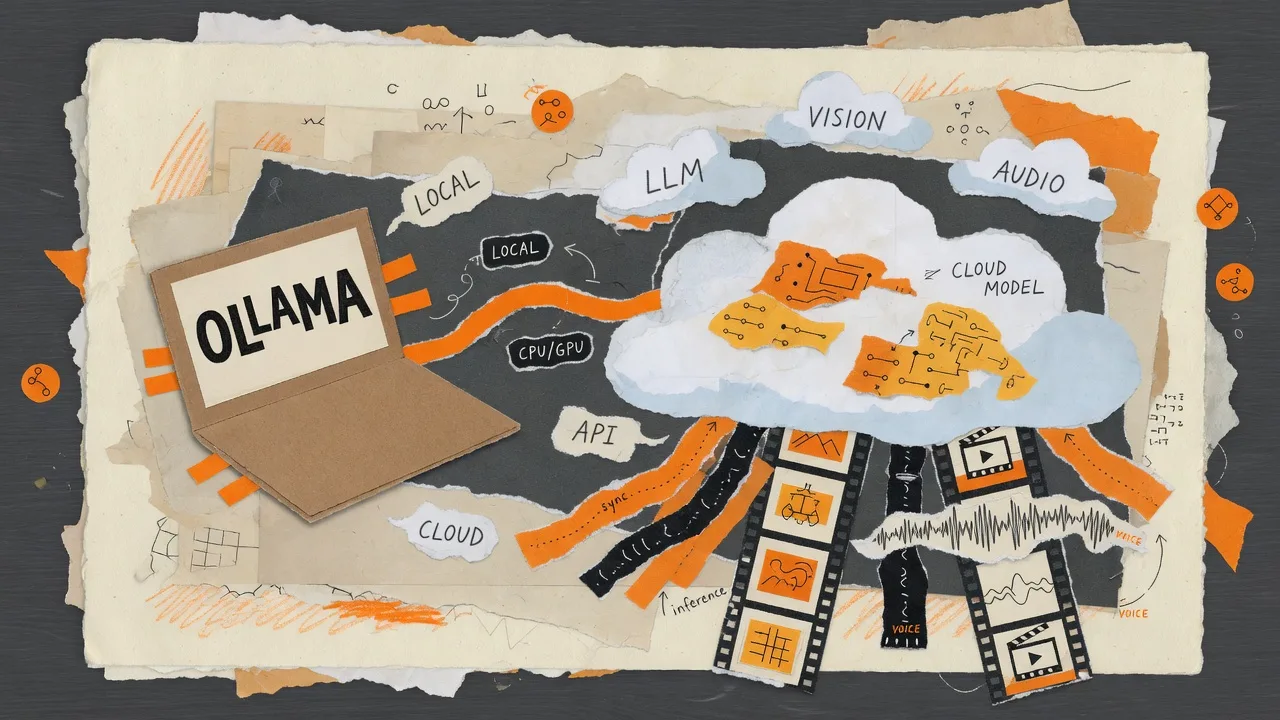
Search interest often clusters around “use ChatGPT for video editing”, “run a local LLM video editor”, or “Codex MCP video”. 0.1.8 speaks to all three:
- ChatGPT subscription sign-in for the built-in Agent via the official Codex CLI (OAuth, model discovery, reasoning effort, dynamic OpenChatCut tools)
- Claude Code still through the existing local MCP connection (without exposing Claude OAuth secrets to OpenChatCut)
- First-class Ollama and LM Studio Agent providers (local endpoints, optional keys, model discovery, explicit activation)
- Additional brains and media: StepFun, BytePlus ModelArk, Seedream / Seedance, WaveSpeed, Inworld / Fish Audio / Speechify TTS
Context handling is model-aware (catalog from models.dev, context meter, semantic compaction near each model’s reserve) so long agent-native editing sessions degrade more gracefully.
4K export and professional multitrack timeline features
Creators searching for 4K export AI editor, nested sequence video editor, or multicam AI cut get concrete progress in 0.1.8:
- Validated 4K render path (2160 short edge;
3840×2160for 16:9) with bitrate and QA expectations - Slip and rate-stretch, insert/overwrite placement, atomic multi-clip Inspector edits
- Nested sequences, source timecode, sync-lock groups, persistent multicam range switching
- Durable generation and export jobs with refresh recovery and structured failures
Performance work virtualizes large libraries, media pools, and timelines so open-source AI video editing stays usable on long projects.
OpenChatCut vs AI video generators
| AI video generator | OpenChatCut | |
|---|---|---|
| Output | Often a sealed file | Multitrack timeline |
| Revision | Re-prompt and re-generate | Trim, caption, undo, agent pass |
| Control | Prompt-only | Agent + manual NLE tools |
| Integration | Vendor lock-in common | MCP, local-first, FCPXML / archives |
| Licensing | Proprietary cloud | Open source (AGPL) ChatCut-style editor |
OpenChatCut is an open-source ChatCut alternative in spirit—conversation-driven cuts—while staying a real editor.
FAQ: OpenChatCut 0.1.8
Is OpenChatCut free and open source?
Yes. OpenChatCut is open source under AGPL. Download desktop builds or run from source. See download and GitHub.
Is OpenChatCut a ChatCut alternative?
Yes for agent-assisted multitrack editing. It is independent software, not affiliated with commercial ChatCut. See ChatCut vs OpenChatCut.
Can Codex or Claude edit my video timeline?
Yes. Connect an external agent through MCP (local Streamable HTTP endpoint) or use the built-in Agent. See MCP with OpenChatCut.
Does OpenChatCut support local LLMs?
Yes. Ollama and LM Studio are first-class Agent providers in 0.1.8, alongside cloud APIs and ChatGPT/Codex subscription paths.
Can I export 4K video?
Yes. 0.1.8 validates 4K export with a 2160-pixel short edge (for example 3840×2160 on 16:9 projects).
How do custom agent skills work?
Store SKILL.md under ~/.openchatcut/skills/<slug>/, activate with /skill:<slug>, and keep progressive disclosure via load_skill. Full walkthrough: slash skills workflow.
Where is the full changelog?
Website summary: Changelog. Canonical history: CHANGELOG.md and v0.1.8 release.
What to try after updating to 0.1.8
- Install or author a custom skill under
~/.openchatcut/skills/and activate it with a slash command. - Save a named version with
manage_versionsbefore a risky recut. - Connect Ollama or ChatGPT/Codex and run the same edit prompt for comparison.
- Export a short 16:9 sequence at 4K and review the quality summary.
- Use MCP from Claude Code or Codex on the same project.